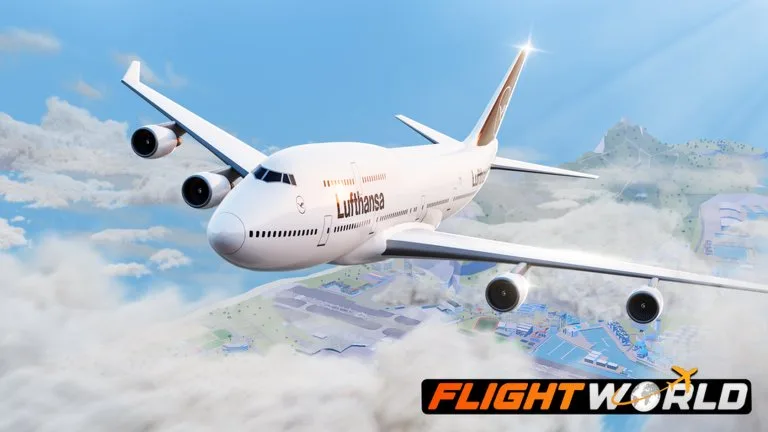
You can fly as soon as you join. The free aircraft is the Beechcraft King Air 350i, catalog top speed 312 knots. Job notes describe it carrying about eight passengers, which is enough for a first contract.
Before you leave the apron
- Join [FIRE FIGHTING] Flight World from the Roblox game page.
- Open the Hangar or the airport spawn control and spawn the King Air. Bought planes stay on your account and can be spawned again at airports.
- Walk to the aircraft. On foot, Z enters the pilot seat and C enters a passenger seat. WASD moves you, Shift sprints, and Space jumps.
- Press E to start the engines. If E does nothing, you are not in the pilot seat yet.
First takeoff
- Open the Jobs menu and accept a passenger or cargo contract you can see a marker for. You can cancel and request another contract if the destination is awkward. Cancellation is described as free of Cash and experience loss.
- Taxi to the green boarding or cargo marker. Stop, and let the passengers or crates load.
- Set flaps with F, then hold W to add throttle. Mouse up raises the nose. Mouse sideways banks the aircraft.
- After you are climbing, press G to raise the gear.
- Press M if you need the map. Airport names on the current map are Anchorage, Elmendorf, Keflavik, Copenhagen, St. Martin, and Gibraltar.
- At cruise, R holds altitude. One cockpit demonstration said altitude hold starts working from about 750 feet, so if R seems ignored on the runway, climb first and try again.
Keys that change meaning
Z on foot boards the pilot seat. Z in the seat toggles Advanced Controls. C on foot boards as a passenger. C in flight locks or unlocks the camera. Use the key for the context you are in.
P is the binding repeated across control lists for pushback and reverse thrust. One spoken tutorial said B for pushback. If B does not move the aircraft, use P.
Mobile
Touch controls put steering on the left and engine, thrust, reverse, and brakes on the right. Flaps, gear, and doors are separate on-screen toggles. The same job markers apply.
You are done when
The contract marker switches to the destination gate or cargo pad, you land, and you shut the engines with E after parking. Cash and job experience are awarded for the finished job. The exact amount depends on distance, your level in that job, and the aircraft.
Read the landing guide before a long overwater leg, then use the aircraft list when the King Air feels slow.